
Search News
Industry Portal
Popular Tags
Why industrial PC thermal management fails in hot environments
Author
Dr. Isaac Logic
Time
May 22, 2026
Pageviews
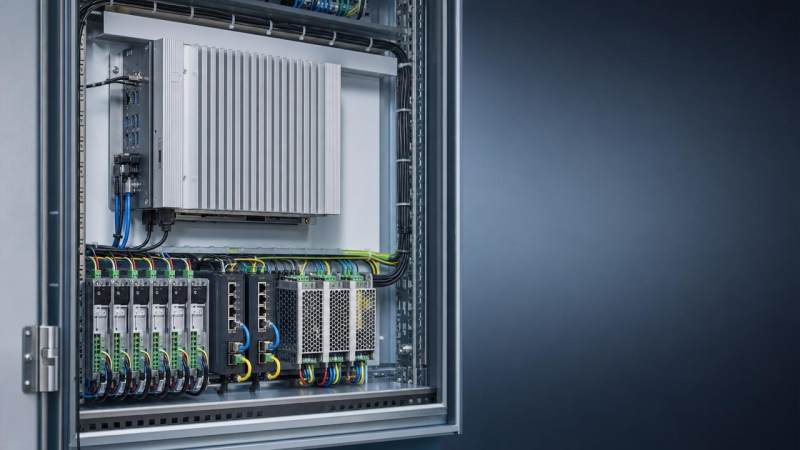
When an industrial PC overheats on the factory floor, the result is rarely just a temperature warning—it can mean unstable control, unexpected downtime, and costly service calls. Understanding why industrial PC thermal management fails in hot environments is essential for after-sales maintenance teams who need to diagnose root causes fast, protect system reliability, and keep automated production running under real-world heat stress.
Why industrial PC thermal management breaks down under real factory heat
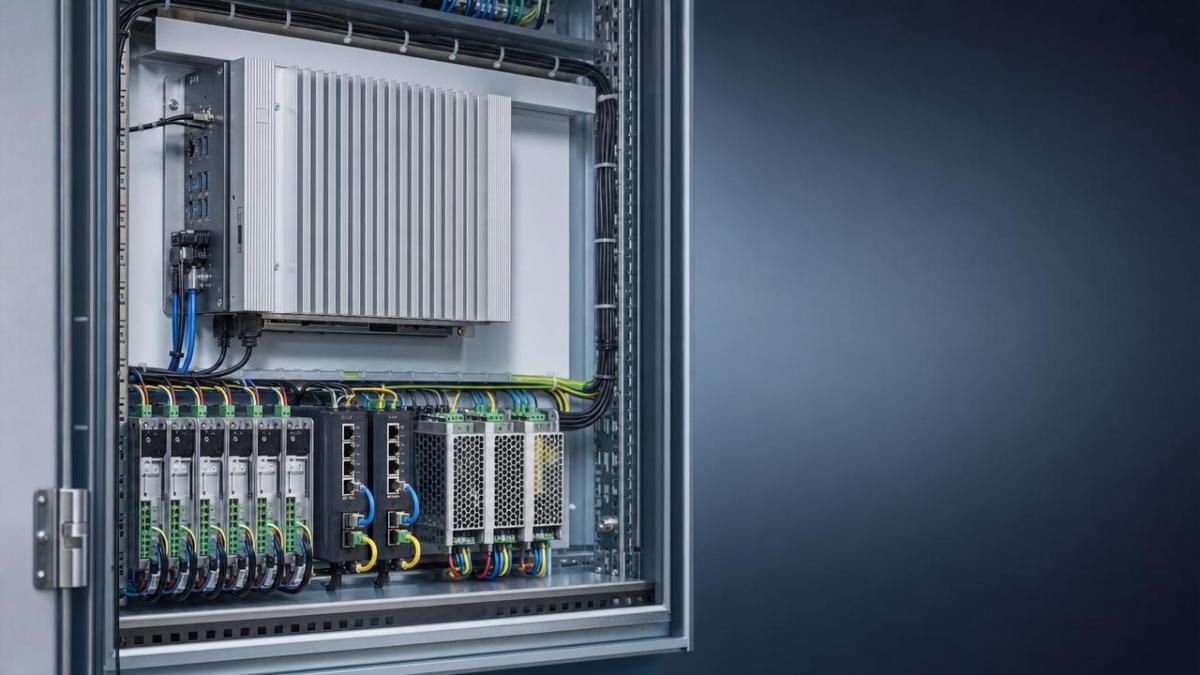
Industrial PC thermal management is not only about adding a fan or specifying a higher CPU temperature limit. In hot environments, failure usually comes from a chain of interacting factors: ambient heat, enclosure design, dust loading, airflow obstruction, aging thermal materials, and installation choices that ignore the thermal profile of the full cabinet.
For after-sales maintenance personnel, this matters because the symptom that appears on site is often misleading. A reboot, communication drop, slow HMI response, or PLC interface fault may look like a software or power issue, while the root cause is thermal saturation inside the industrial computer or surrounding control box.
In mixed-use production environments, thermal stress also varies by sector. A food line may combine washdown constraints with sealed cabinets. A metalworking line may add oil mist and high radiant heat. A packaging line may appear cooler overall but still create local hot spots around drives, power supplies, and edge gateways.
- High ambient temperature reduces the temperature difference needed for heat to leave the CPU, chipset, SSD, and power stage.
- Dust, fibers, and oil film gradually weaken heat sink efficiency and block vents, even when the system passed initial commissioning.
- Cabinet-level heat from VFDs, servo drives, UPS units, and switches can raise internal temperature far beyond the room reading.
- Maintenance teams often replace components without correcting airflow direction, pressure balance, or thermal interface degradation.
This is why industrial PC thermal management should be reviewed as a system issue, not a single-device issue. G-IFA’s value in this process is the ability to compare hardware behavior, enclosure practices, control architecture, and compliance expectations across automation domains rather than treating overheating as an isolated fault ticket.
What hot environments actually do to an industrial PC
Hot environments attack reliability in several layers. First, semiconductors lose margin. Second, rotating parts or fan bearings wear faster. Third, storage devices experience more read and write instability at sustained temperature. Fourth, thermal expansion and contraction affect connectors, solder joints, and long-term vibration resistance.
For service teams, the challenge is that many failures are intermittent. The industrial PC may boot normally in the morning, then become unstable after nearby drives reach operating load. It may pass a bench test in an air-conditioned workshop but fail again once reinstalled above a transformer or inside a sealed stainless enclosure.
Common field symptoms linked to weak industrial PC thermal management
- Random restarts during high-load machine cycles or afternoon peak temperature.
- Screen lag, touch response delay, or frozen visualization on HMI-integrated IPCs.
- I/O communication instability on Ethernet, fieldbus, or serial ports caused by temperature-sensitive electronics.
- SSD throttling, file corruption risk, or operating system slowdowns after long production shifts.
- Premature fan failure in systems installed near dust-heavy conveyors, ovens, or forming stations.
These symptoms are expensive because they trigger repeated site visits, emergency spare usage, and production uncertainty. In a smart manufacturing setting, one overheated IPC can affect machine-level control, MES data collection, traceability, and remote diagnostics at the same time.
Where after-sales teams usually misdiagnose the root cause
The most common mistake is checking only the device nameplate temperature rating. A rated operating range does not guarantee safe thermal behavior in every installation. If the industrial PC is mounted close to a heat source, above another hot component, or inside a cabinet with poor air exchange, the actual component temperature may exceed the rating even when ambient room temperature seems acceptable.
Another mistake is replacing the IPC with the same model without changing the thermal path. That may restore operation for a short time, but the replacement often accumulates the same heat burden and fails again. Effective industrial PC thermal management requires checking the whole stack, from airflow path to cable congestion to filter maintenance intervals.
The table below helps maintenance teams separate symptoms from likely thermal causes and prioritize inspection steps in hot environments.
A structured fault map reduces repeat failures. It also helps after-sales teams justify whether the solution is component replacement, cabinet redesign, airflow correction, or a move to a different IPC architecture.
Which installation scenarios cause the most thermal failures
Sealed cabinets with internal heat accumulation
A high IP-rated enclosure protects against dust and moisture, but it also traps heat. When the industrial PC shares space with drives, power supplies, relays, and network equipment, internal temperature can rise far beyond the external ambient reading. This is common in facilities where washdown, powder, or airborne debris forces sealed cabinet design.
Open mounting near radiant heat sources
An IPC installed near furnaces, drying tunnels, molding equipment, or hot motors may absorb radiant heat even if airflow seems available. In these cases, natural convection is not enough. Shielding, spacing, or relocation may be more effective than simply adding a stronger fan.
Compact edge computing retrofits
Industry 4.0 upgrades often add data gateways, machine vision processing, and MES interfaces to legacy machines with limited installation space. The result is dense electronics in cabinets never designed for that thermal load. Industrial PC thermal management failures are frequent in retrofits because the original thermal margin was consumed years ago.
Across robotics, PLC cabinets, motion systems, and IIoT nodes, G-IFA sees the same pattern: thermal reliability depends less on a single specification sheet and more on integration logic between hardware layers.
How to evaluate industrial PC thermal management before replacing hardware
Before approving a replacement, after-sales teams should use a field checklist that captures thermal risk factors quickly. This avoids the expensive loop of swapping parts while leaving the environment unchanged.
- Record real ambient conditions during peak production, not only during inspection downtime.
- Measure cabinet internal temperature at top, middle, and near the IPC air intake or heat sink surface.
- Check whether nearby components such as VFDs, servo amplifiers, or industrial switches are adding local heat load.
- Inspect fan condition, dust filters, vent blockage, cable bundles, and dead zones in airflow path.
- Review CPU usage, storage logging load, and application processing peaks that raise internal heat generation.
- Verify whether the IPC is fanless, actively cooled, or conduction-cooled, and whether that design fits the installation.
This type of disciplined evaluation aligns well with G-IFA’s benchmarking approach. By comparing control hardware, motion equipment, industrial software load, and enclosure practices against recognized engineering logic, maintenance teams can move from guesswork to repeatable decision-making.
Fanless vs fan-cooled designs: which is safer in hot environments?
There is no universal winner. Fanless systems reduce dust ingress and moving-part failure, but they still need a strong conduction path and enough surface area to reject heat. Fan-cooled systems may handle higher peak loads, yet they become vulnerable when air is dirty, filters clog, or maintenance intervals slip.
The comparison below gives practical guidance for industrial PC thermal management decisions in maintenance and retrofit projects.
For after-sales work, the right choice depends on contamination level, compute demand, enclosure strategy, and available service access. Thermal design should be aligned with the machine’s duty cycle, not only with startup conditions.
What parameters and standards should maintenance teams review?
Not every specification on a datasheet helps in field troubleshooting. The most useful values are those that reveal thermal margin under actual operating stress and installation conditions. In addition, relevant standards can support procurement and acceptance decisions, especially in multinational factories where compliance review matters.
Key technical points to verify
- Operating temperature range and whether it applies to full load, specific orientation, or reduced performance mode.
- Storage temperature versus operating temperature, especially for SSD-equipped systems.
- Ingress protection strategy and its thermal tradeoff in sealed or semi-sealed enclosures.
- Shock and vibration suitability when heat and mechanical stress act together on connectors and boards.
- Power supply quality, because heat and voltage instability often amplify each other.
Useful reference frameworks may include IEC-related electrical safety expectations, CE-related conformity pathways in applicable regions, and environmental testing logic often associated with industrial equipment qualification. The exact relevance depends on the application and market, but the principle is clear: thermal performance should be reviewed together with compliance, not after a failure occurs.
Cost, downtime, and replacement strategy: repair or redesign?
After-sales teams are often pushed to restore operation quickly, but the cheapest immediate action is not always the lowest lifecycle cost. Replacing fans, swapping SSDs, or changing thermal paste may solve the symptom temporarily. If the enclosure still runs too hot, the same service event returns.
The table below compares typical decision paths for industrial PC thermal management failures in hot environments.
A disciplined replacement strategy protects both maintenance budgets and production continuity. In many cases, a thermal redesign prevents more downtime than repeated emergency part changes.
FAQ: practical questions about industrial PC thermal management
How do I know whether the issue is ambient heat or internal IPC failure?
Start with trend-based observation. If failures appear after several operating hours, during seasonal heat, or when nearby drives are heavily loaded, ambient or enclosure heat is likely involved. Compare on-site behavior with bench testing, and measure temperatures at the cabinet top, around the IPC, and near adjacent heat sources.
Is a fanless IPC always better for dusty factories?
Not always. Fanless designs reduce contamination risk, but they still need enough thermal headroom. If the application includes machine vision, local analytics, or heavy data logging, passive dissipation may be insufficient in a hot cabinet. The decision should match compute load, ambient temperature, and mounting constraints.
What should after-sales teams ask before approving a replacement unit?
Ask for actual ambient range, enclosure type, internal heat sources, duty cycle, contamination level, required interfaces, and any compliance constraints. Also confirm whether the previous failure involved storage throttling, fan wear, or thermal shutdown, because each points to a different corrective path.
Can cabinet cooling solve most industrial PC thermal management problems?
Cabinet cooling helps, but only if the heat path is designed correctly. Poor air circulation, blocked vents, incorrect component placement, or undersized cooling hardware can leave hot pockets around the IPC. Cooling must be matched to enclosure load, sealing needs, and serviceability.
Why choose us for thermal-risk evaluation and automation hardware benchmarking?
G-IFA supports maintenance teams, system integrators, and production stakeholders by connecting industrial PC thermal management issues to the wider automation stack. That means you can assess not only the IPC itself, but also the influence of PLC cabinets, motion systems, industrial networking, software load, and enclosure strategy on heat-related reliability.
If you are handling repeated overheating alarms, unstable control behavior, or difficult retrofit decisions, you can consult G-IFA for structured support around the issues that matter in field service:
- Parameter confirmation for operating temperature, ingress protection, storage conditions, and installation limits.
- Product selection guidance for fanless, fan-cooled, cabinet-mounted, or relocated IPC strategies.
- Evaluation of delivery constraints for urgent replacements versus redesign-based upgrades.
- Custom solution discussion for dense cabinets, high-load edge computing, or contamination-heavy production zones.
- Certification and compliance review aligned with applicable ISO, IEC, or CE-related expectations.
- Quotation communication and technical comparison support for lower-risk sourcing decisions.
When hot environments keep exposing weak thermal assumptions, faster troubleshooting starts with better benchmarks. Contact us to review your thermal failure symptoms, cabinet constraints, replacement options, and integration requirements before the next service call turns into another unplanned shutdown.
Recommended News
- 2026/10/24Car Spare Parts: How to Check Fitment and Avoid Ordering the Wrong PartOrder car spare parts with confidence. Learn how to verify VINs, OEM numbers, and fitment details to avoid costly mistakes and choose the right replacement first time.
- 2026/10/23How Do You Select a Motion Control System for Synchronized Axes?How do I select a motion control system for synchronized axes? Discover key timing, feedback, and performance checks to choose confidently and reduce costly integration risks.
- 2026/10/23Integrating End-of-Line Sortation with Packing Stations and Conveyor ControlsOptimize end of line sortation with coordinated packing stations and conveyor controls. Learn how to prevent bottlenecks, improve routing accuracy, and handle exceptions reliably.